Stop Using AI to Write Code You Don't Understand
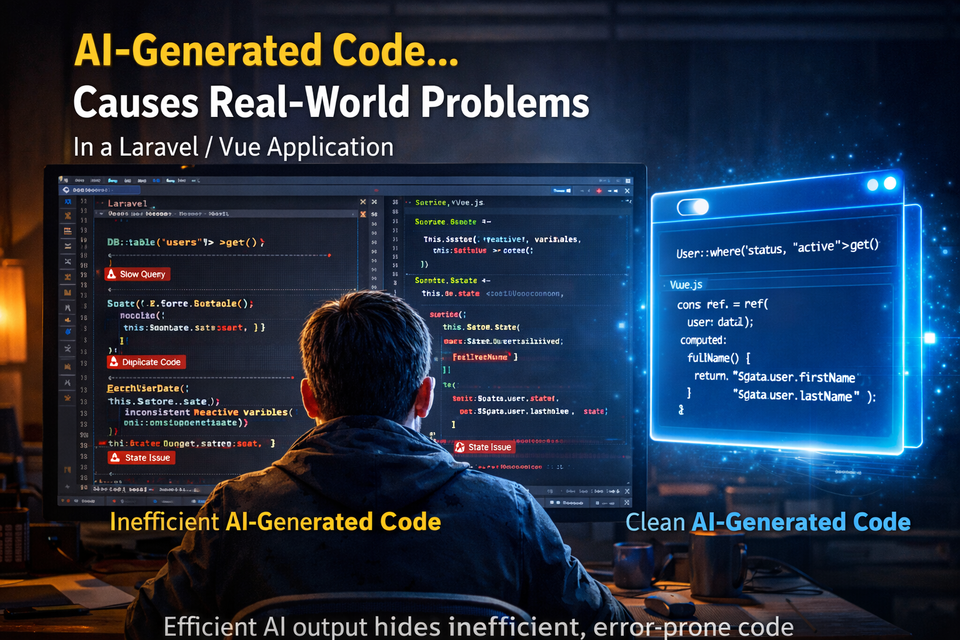
AI is one of the most powerful tools developers have ever had.
It can scaffold code, suggest solutions, and help you move faster than
ever before.
But it's also quietly creating a new kind of problem---one that doesn't
show up immediately.
Apps that work... but get harder and harder to maintain.
AI Isn't the Problem
Let's be clear: AI is not the enemy.
Used correctly, it's incredibly useful for:
- Generating boilerplate
- Writing small utility functions
- Refactoring simple logic
- Brainstorming solutions
The problem isn't AI.
The problem is using AI to write code you don't understand.
Where Things Start to Break
AI-generated code often looks correct.
It's clean. Structured. Sometimes even "best practice."
But underneath that surface, there are often issues:
- Wrong assumptions about your data
- Inefficient queries
- Misaligned architecture
- Duplicate logic instead of reuse
And because it looks right, it gets merged.
Laravel-Specific Problems
In Laravel apps, this shows up in predictable ways:
1. N+1 Query Problems
AI often generates Eloquent queries without proper eager loading.
It works fine locally... until your data grows.
2. Misused Relationships
Relationships defined incorrectly or used inefficiently.
3. Over-Engineered Structure
Unnecessary service layers or abstractions that add complexity without
value.
4. Ignoring Existing Patterns
AI doesn't know your codebase conventions.
So it introduces new patterns that don't match anything else.
Vue-Specific Problems
On the frontend, the issues are just as common:
- State scattered across multiple components
- Watchers doing too much work
- Over-complicated reactive logic
- Components trying to handle too many responsibilities
The app works---but becomes fragile.
The Real Risk
The biggest issue isn't bad code.
It's this:
If you don't understand it, you can't fix it.
When something breaks, you're stuck:
- Debugging takes longer
- Changes become risky
- You start avoiding parts of your own app
The "Fast Now, Slow Forever" Trap
AI makes it easy to move fast in the beginning.
But over time:
- Every feature takes longer
- Bugs become harder to track
- Refactoring feels impossible
What felt like a shortcut becomes technical debt.
A Better Way to Use AI
AI works best when it's used as a tool, not a replacement.
Use AI for:
- Ideas and approaches
- Small, isolated functions
- Refactoring suggestions
- Learning unfamiliar concepts
Avoid using AI for:
- Entire features
- Core architecture decisions
- Complex business logic without review
Final Thought
AI is powerful.
But it doesn't own your code---you do.
And if you don't understand what's in your codebase, you're the one who
pays for it later.
Member discussion