AI Won’t Fix Your Messy Codebase — But It Can Help If You Do This First
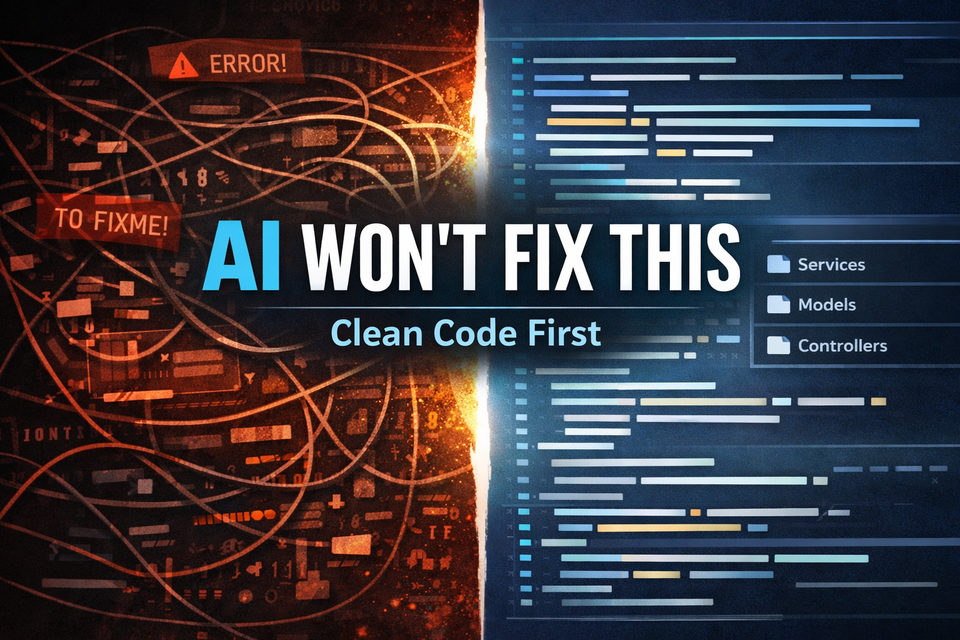
AI coding tools are incredible—until you point them at a messy codebase.
Then suddenly, everything they generate feels slightly off… or worse, confidently wrong.
The problem isn’t the AI.
It’s what you’re feeding it.
The Expectation vs Reality
There’s a growing assumption that tools like Copilot or ChatGPT can “clean up” your code.
In reality, they don’t clean—they continue patterns.
If your Laravel app has:
- Controllers doing everything
- Inconsistent naming
- Mixed responsibilities
- Duplicate logic scattered everywhere
AI will happily generate more of that.
Faster.
Why AI Struggles With Messy Codebases
AI tools rely heavily on context and patterns. When those are unclear, output becomes unreliable.
1. No Clear Structure
If your app doesn’t follow predictable patterns, AI has nothing to anchor to.
Example:
- Some logic in controllers
- Some in services
- Some randomly in helpers
AI can’t determine the “right” place—so it guesses.
2. Inconsistent Naming
If similar concepts are named differently across your app, AI loses clarity.
Example:
getUserData()fetchUser()loadUserInfo()
These might mean the same thing—but to AI, they look different.
3. Hidden Side Effects
Messy code often includes logic with side effects that aren’t obvious.
AI might suggest changes that:
- Break assumptions
- Duplicate behavior
- Introduce subtle bugs
4. Overly Large Files
Large controllers or components reduce AI effectiveness.
AI works best with:
- Smaller functions
- Clear responsibilities
- Limited scope
What an “AI-Ready” Codebase Looks Like
You don’t need perfection.
You need predictability.
Here’s a simple checklist:
- Consistent folder structure (e.g., Services, Actions, Repositories)
- Clear separation of concerns
- Predictable patterns for common tasks
- Descriptive, consistent naming
- Smaller, focused classes and methods
Think of it this way:
AI performs best when your codebase tells a clear story.
High-Impact Cleanup (No Rewrite Required)
You don’t need to rebuild your app.
You just need to make it understandable.
Start here:
1. Extract Business Logic from Controllers
Controllers should coordinate—not contain logic.
Move logic into:
- Services
- Actions
- Domain classes
2. Standardize Your Patterns
Pick one way to do things—and stick to it.
Examples:
- One approach for validation
- One pattern for data access
- One structure for API responses
3. Eliminate Duplicate Logic
Find repeated code and centralize it.
Benefits:
- Cleaner code
- Better AI suggestions
- Easier maintenance
4. Improve Naming
Rename unclear methods and variables.
Good naming reduces:
- Human confusion
- AI confusion
5. Break Up Large Files
Split large classes into smaller, focused pieces.
This alone dramatically improves AI output quality.
Where AI Actually Helps
Once your codebase has structure, AI becomes powerful.
Strong Use Cases
- Generating tests
- Refactoring small functions
- Creating boilerplate
- Suggesting optimizations
Weak Use Cases
- Large-scale refactors on messy files
- Architectural decisions
- “Fix this whole file” prompts
The Real Opportunity
AI isn’t a shortcut around good architecture.
It’s a multiplier.
- Messy codebase → AI multiplies problems
- Clean codebase → AI multiplies velocity
Most apps don’t need a rewrite.
They need structure.
And once they have it, AI becomes one of the most powerful tools you can use.
Final Thought
If AI feels inconsistent or unreliable in your project, don’t abandon it.
Fix the foundation first.
Because when your codebase is clear, predictable, and intentional—
AI doesn’t just help.
It accelerates everything.
Member discussion